8 Remote Work Mistakes That Tank RV Productivity
The open road promises freedom. Many folks pack up their lives, seeing rolling wheels as a golden ticket. A polished chrome bumper often hides real challenges when mixing work and travel. Your tiny office on wheels demands respect and careful planning. The folding camp chair might seem comfy for an hour, but it won’t suffice for eight. Nobody tells you how quickly a flickering cell signal turns into a brick wall for deadlines. Common RV remote work mistakes can easily sink your operation before leaving the driveway. Understanding these pitfalls early saves headaches and keeps your mobile career afloat. Let’s discuss the hard truths.
1. Overbooked Unplanned Itinerary
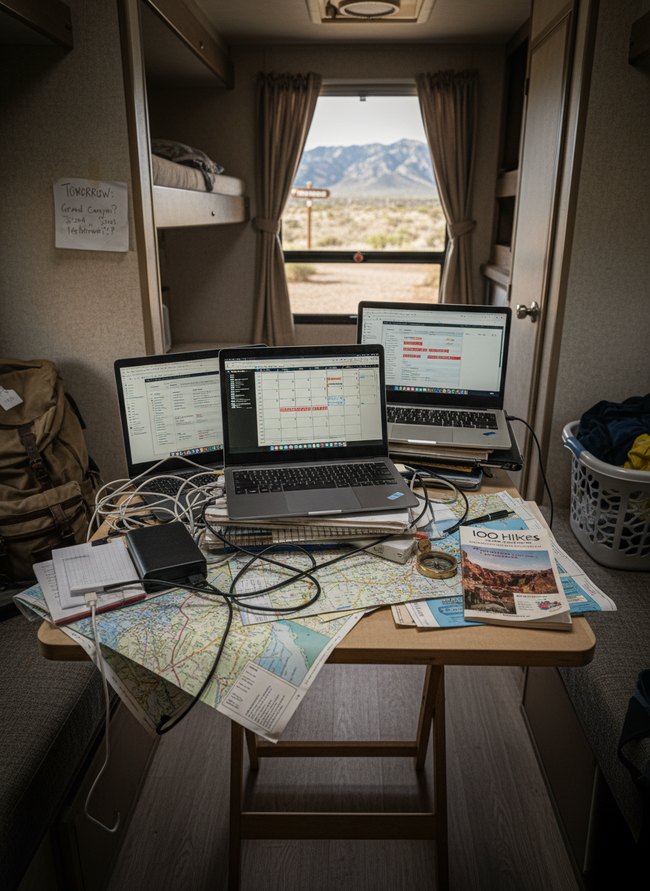
Multiple laptops and paper maps crowd the small wooden table, showing a jumble of work and travel plans. The remote work setup needs clear boundaries between tasks and adventures. Avoid overbooking your schedule; instead, dedicate blocks of time for focused work and separate blocks for exploration.
2. Unreliable Internet Dependency
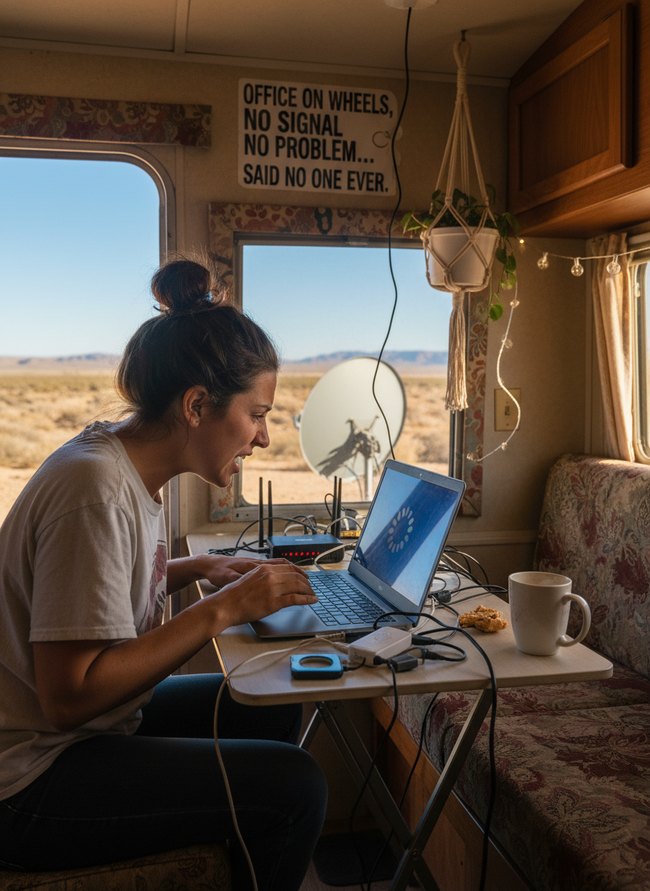
A laptop screen displays a spinning loading icon, showing a clear problem with internet speed. A black router and many tangled black wires sit on a tan folding table inside the RV. Planning an internet setup carefully avoids RV remote work mistakes.
3. Inconsistent Workstation Setup
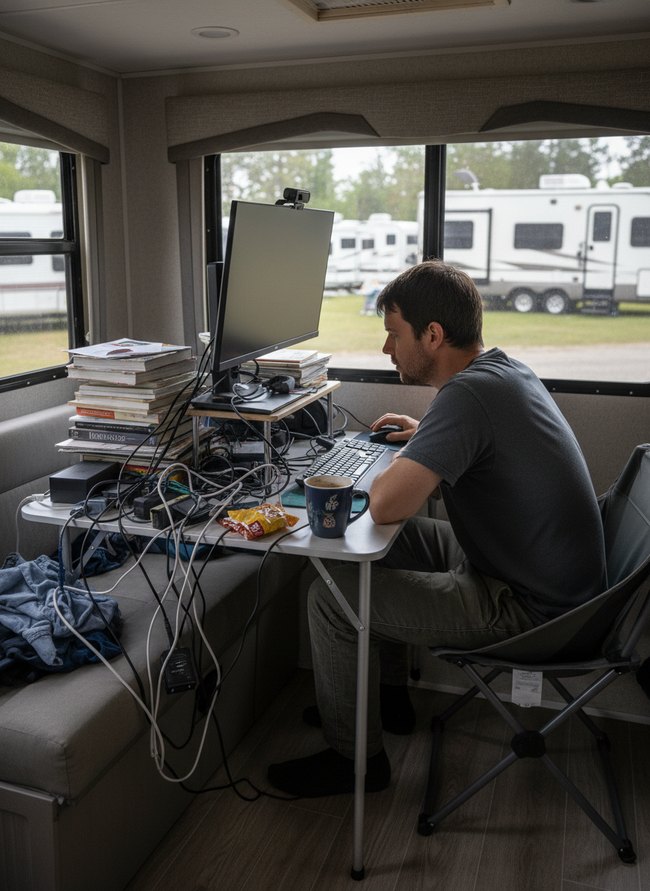
Loose black and white cables spill across a small silver metal table, creating a messy work area. A dedicated, tidy workspace avoids common RV remote work mistakes. Digital tools stay organized, and the physical desk remains clean.
4. Ignoring Weather Conditions
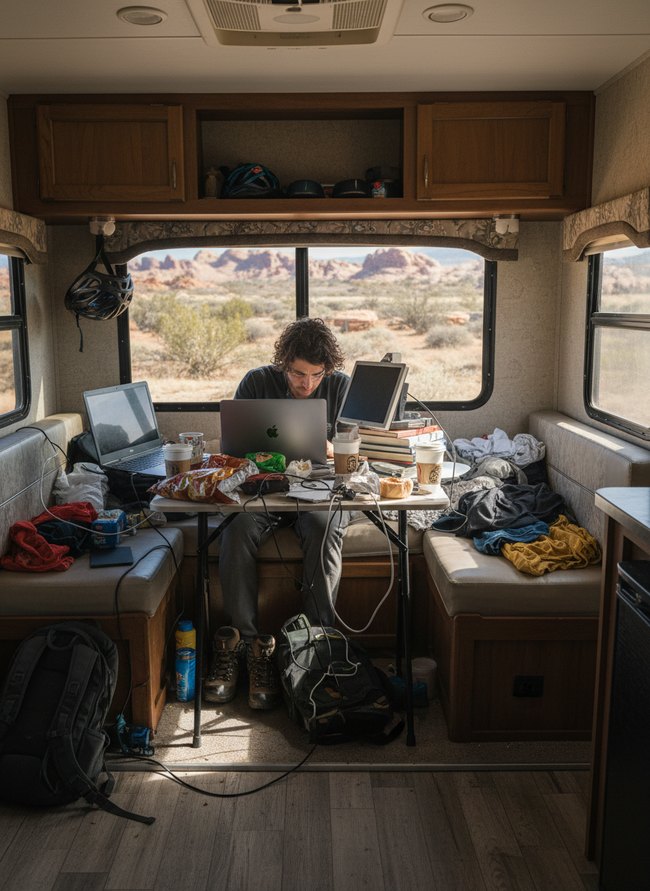
Bright sunlight streams through the large window, creating harsh shadows and glare on the laptop screen. Strong light makes seeing the computer display difficult, causing you to squint and strain your eyes. You must find a way to manage direct sun exposure when working remotely in your RV.
5. Neglecting Social Isolation
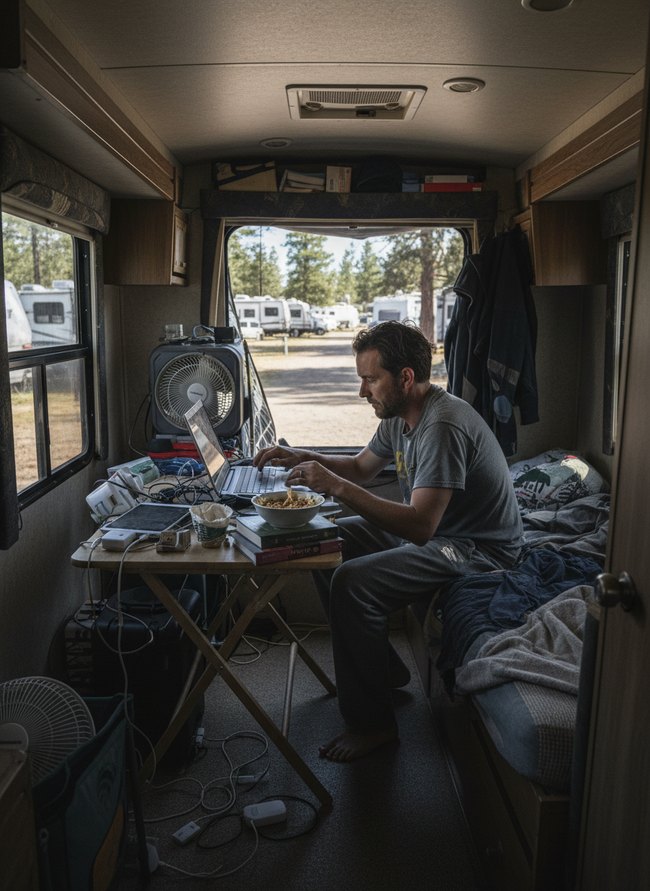
A man sits alone at a small wooden table inside a travel trailer, typing on a silver laptop. His face shows deep focus, but messy cords and a half-eaten pasta bowl suggest a long, isolated work session. Regularly connect with other people to avoid remote work mistakes.
6. Blurred Work-Life Boundaries
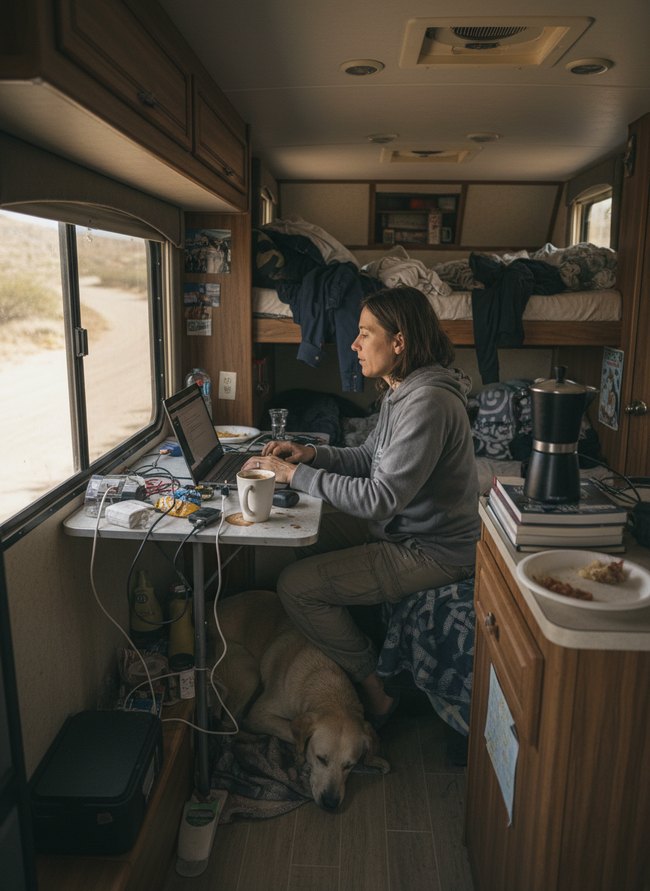
Messy power cords sprawl across the small white folding table, tangling with a white coffee mug and a black laptop. A cluttered bunk bed with rumpled blue and white bedding sits behind the worker. Clear away work tools and personal items from the living space when the workday ends.
7. Poor Power Management
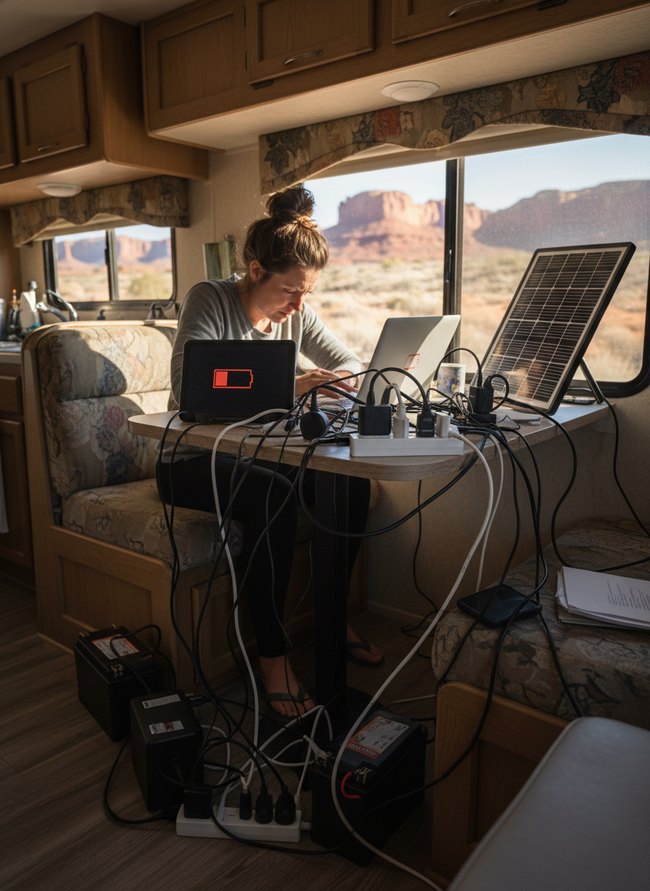
A dark laptop screen shows a red battery icon, signaling low power for the woman working at a light wood table inside an RV. The power setup needs careful planning to avoid the frustration of dead devices during RV remote work. Organize charging cables and power sources to keep everything running smoothly.
8. Underestimating Maintenance Time
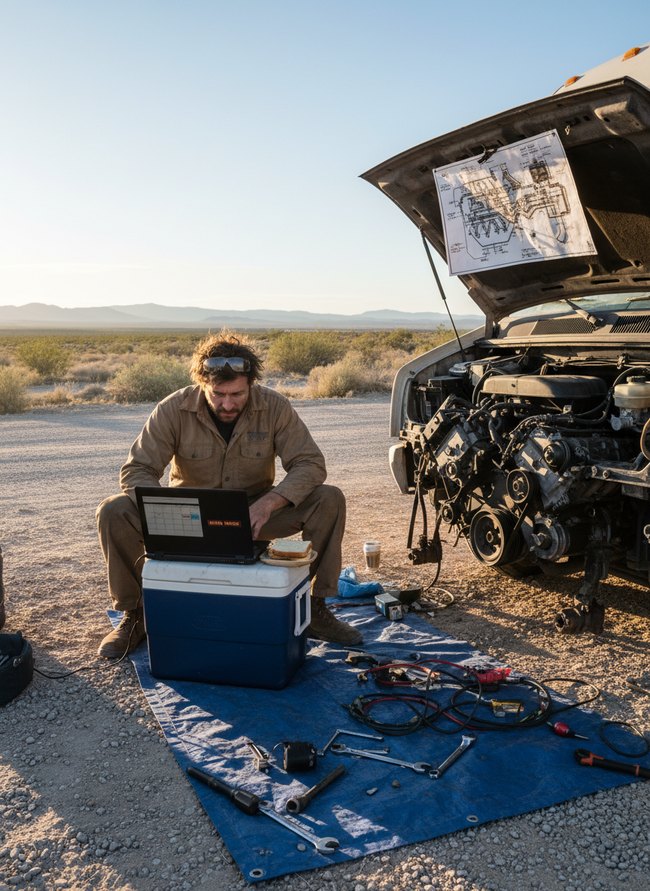
A man in a tan work suit sits on a blue cooler, typing on a black laptop with a white sandwich next to him. His white RV has its hood open, revealing a silver engine. Unexpected repairs factor into a daily schedule when planning RV remote work.
Why Your ‘Cozy Corner’ Becomes a Cluttered Catastrophe (And How to Fix It)
Many new RVers believe a small desk or a fold-down table creates a fine workspace. You might imagine a single potted plant and a slim notebook on your polished wood surface. Most people just toss their charging cables and stray papers onto that flat space, creating an instant messy pile. A true mobile office needs dedicated homes for every tiny item, not just open horizontal areas.
Instead of a single shelf, install narrow wall-mounted baskets crafted from woven wicker. These deep containers neatly hold your pens, sticky notes, and small office tools. Another common mistake involves letting mail and documents stack up on the kitchen counter. You should use a slim, metal document organizer with several angled slots. This tall unit keeps your important papers upright and out of the way. Think about the common problem of tangled power cords everywhere. Secure them with small, adhesive cord clips attached to the underside of your cabinet. This simple step keeps your floor clear and your power strips accessible. A small RV remote work setup thrives on smart vertical storage and defined boundaries for all your gear.
Beyond the Backdrop: How to Ensure Your Zoom Calls Look as Polished as Your Decor
Most people set up their computer and hope for the best on video calls. Your video quality suffers from poor planning. Instead, find a flat, solid wall in your RV for your backdrop. A simple beige or light gray wall helps you stand out. Many travelers position their camera below eye level, creating an awkward double chin view. Elevate your laptop with a stack of old books or a sturdy wooden box. Your webcam lens should sit even with your eyes for a direct, engaging shot.
Bright overhead lights often cast harsh shadows under your eyes. People think more light is always better. A small LED ring light, set slightly above your screen, provides soft, even illumination on your face. Aim for a warm, daylight color temperature, around 5000 Kelvin, to avoid an artificial blue glow. Dark window coverings behind you can create a shadowy silhouette. Close your light filtering fabric blinds to prevent a bright outdoor glare from washing out your features. Direct sunlight through a side window can also cause distracting hot spots. A sheer white curtain panel softens harsh window light. These RV remote work mistakes are easy to fix with small adjustments.
Which Idea Will You Try First?
That’s 8 different takes on rv remote work mistakes. The best ideas above are usually the smallest moves — one material, one layout shift, one piece of furniture in the right place. Pick whichever room feels closest to your space and start there before tackling the rest.
Found an idea worth keeping? Save this post to your Pinterest board so it’s waiting for you when you’re ready to start your own project.